
THIS PROJECT IS ON PROGRESS. DO NOT RELY ON INFORMANTIONS BELOW.
Private end-to-end encryption, secure transfer and your data won't be stored in the cloud
 Encrypting data ...
Waiting for data!
Receiving data ...Frequently Asked Questions
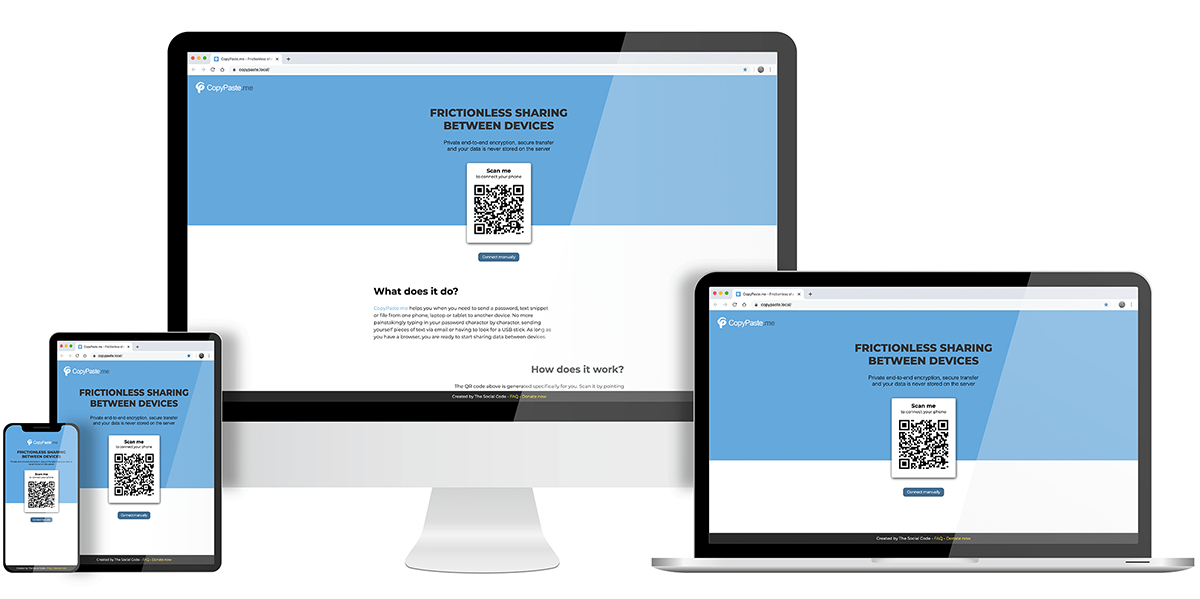
Why does this tool exist and what do I use it for?
This tool was created to make it easy to move sensitive or annoying-to-type data (like passwords, text snippets, or files) from one device to another. A common situation is logging into a website on a computer while your password manager lives on your phone.
If your devices don’t share a built-in ecosystem like AirDrop or cloud syncing, transferring data can quickly become frustrating: retyping long passwords, emailing yourself text, or using USB drives.
copy.nurigonul.com removes that friction by letting you securely transfer passwords, text, and files between devices using nothing more than a web browser.
How can I transfer data between two devices?
copy.nurigonul.com offers three ways to connect devices:
-
Scan a QR code
One device shows a QR code. Scan it with your phone or another device and the connection is established instantly.
-
Connect manually
If scanning a QR code isn’t possible, you can connect manually by following simple on-screen instructions.
-
Send a secure invite
You can generate a secure invite link and send it through any channel you prefer (chat, email, or manually copied).
Why not just send the data directly through messaging apps?
Once devices are connected, all shared data is transferred using end-to-end encryption. Not all messaging or email services provide this level of protection, and many rely on analyzing user data for their business models.
copy.nurigonul.com is designed as a minimal, privacy-focused alternative whose sole purpose is to help you share data securely without tracking or profiling.
Can I trust my data to be handled safely?
Yes. All connection tokens (QR codes, manual codes, invite links) are short-lived and exist only to establish a session. Once connected, data is transferred end-to-end encrypted and forwarded immediately to the receiving device without being stored on the server.
The project is built with transparency in mind and avoids keeping logs of shared content. The server only facilitates the transfer and never retains your data.
Do you use analytics or tracking?
The service avoids invasive analytics and tracking. Only minimal, short-lived operational metrics may be used to ensure stability and performance, without identifying users or recording shared content.
Is this service free?
Yes. copy.nurigonul.com is available to use without accounts, ads, or hidden data collection.
Is my data ever stored?
No. The system is designed so that data passes directly between connected devices. Once delivered, it is not retained on the server.
I found a bug or have a suggestion. How can I report it?
If you discover an issue or have an idea for improvement, please reach out via the contact information provided on the site.
Final note
We hope you enjoy using copy.nurigonul.com. Bookmark it on your devices to make sharing even faster next time.